Start with the kind of feedback
Coding Games or a Robot? Choose the First Step
A coding gift does not have to begin with a robot. Physical games make a sequence visible through cards and pieces, while an electronic robot adds movement, power and sometimes a companion app. The three board-game options below add less expensive formats to our coding range; check current retailer prices before ordering older editions.
Researched buying advice; no hands-on testing is claimed. Retailer ratings are dated snapshots. See how we pick · Affiliate disclosure
Start with the decision
Choose by the situation below, then check the product’s age and household fit.
A young child with a helper
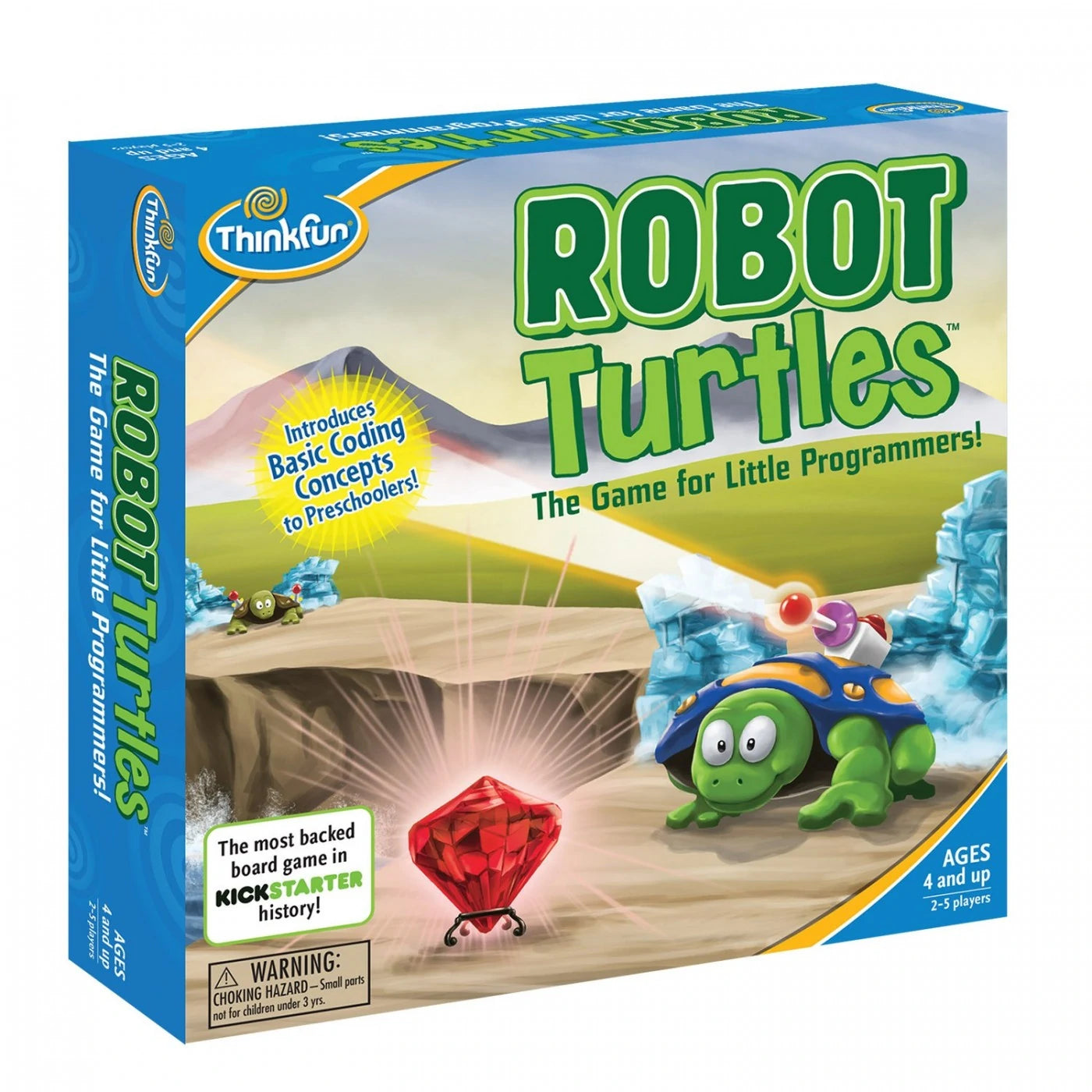
ThinkFun Robot Turtles →The helper follows the child's command cards; adult participation is central to play.
An independent route puzzle
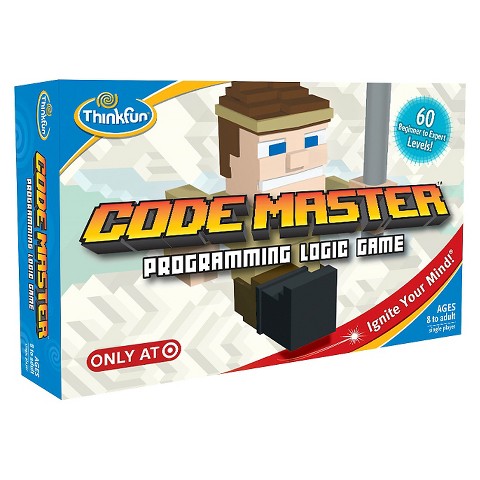
ThinkFun Code Master →60 physical levels introduce a plan-and-check loop without an electronic device.
A more layered challenge at 10+
ThinkFun Hacker Coding Logic Game →40 three-part physical simulations add rules and security-themed constraints.
Compare 10 picks at a glance
Estimated budget bands, not live prices. Scroll the table sideways on small screens.
| Gift / age | Budget band | A reason to choose it | Check first |
|---|---|---|---|
| Botley Coding Robot Activity Set — 77 PiecesAges 5–8 | $50–$100 | First coding without a tablet | Robot and programmer need 5 AAA batteries in total |
| Makeblock mBot Robot KitAges 6–12 | $50–$100 | First robot assembly with adult support | A compatible device and software are needed for programming |
| Makeblock mBot2 Coding RobotAges 8–12 | $100+ | Children ready to progress beyond basic coding sequences | Needs compatible hardware, software setup, and charging |
| Makeblock mBot Ranger 3-in-1 Robot KitAges 8–12 | $100+ | Builders interested in changing a robot’s mechanics | Alternative robots reuse the same components |
| Makeblock mBot Ultimate 10-in-1 Robot KitAges 12–16 | $100+ | Experienced builders aged twelve and up | High cost and substantial assembly; not a quick-start toy |
| Sphero Mini Robot Ball — BlueAges 8–12 | $50–$100 | Children ready to code with a compatible device | Needs a compatible app-enabled device and charging |
| Sphero BOLT Coding RobotAges 8–12 | $100+ | Children with a compatible device and interest in programming. | A compatible device and Sphero Edu app are required; check current compatibility before purchasing. |
| ThinkFun Code MasterAges 8–12 | $25–$50 | A child who likes checking a plan step by step. | This is a logic board game, not a programmable electronic robot. Adult help may be useful for conditional steps. Older-edition pricing and availability can vary. |
| ThinkFun Robot TurtlesAges 4–8 | $25–$50 | A child who likes checking a plan step by step. | The helper is an active part of the game, not just the person who reads the rules. There is no electronic robot; the four turtle colors support up to four child players. |
| ThinkFun Hacker Coding Logic GameAges 10–12 | $25–$50 | A child who likes checking a plan step by step. | This is a physical logic game with 40 three-part simulations, not a course in real network security. Expect more rules and setup than a pocket puzzle. |
Distinguish the concept from the hardware
Robot Turtles and Code Master do not contain electronic robots. Players express a sequence and check what it does through physical movement. That can be the right first step when the child enjoys logic, but it will disappoint someone specifically asking to build a powered machine.
Sources: ThinkFun (opens in a new tab), ThinkFun (opens in a new tab)
Who provides the feedback?
In Robot Turtles, an adult or experienced helper moves the turtle in response to the child's cards. Code Master is a solo challenge format that the player checks by following the planned route. Ask whether the household wants a shared game or an activity the child can increasingly manage alone.
Sources: ThinkFun (opens in a new tab), ThinkFun (opens in a new tab)
A theme is not a qualification
Hacker uses cybersecurity-themed physical simulations for logic practice. It does not teach someone to operate a real security tool or qualify them in programming. Likewise, a coding label alone does not prove educational outcomes. Choose a challenge the child wants to understand and can revisit.
Sources: ThinkFun (opens in a new tab)
The short list
Use Save to keep a candidate and Compare to put up to three side by side. Open the full brief for contents, play ideas, sources, and trade-offs.
Gift ages 5–8
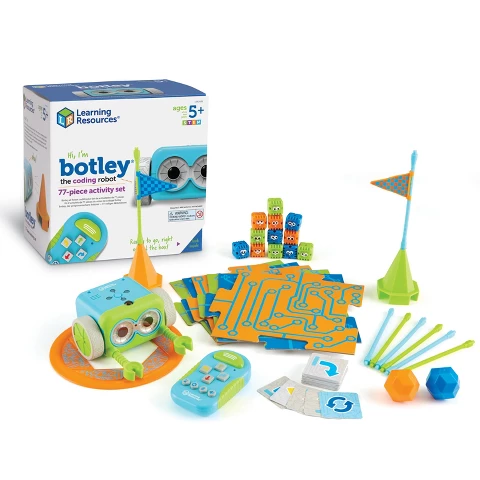
Botley Coding Robot Activity Set — 77 Pieces
A screen-free introduction to giving a robot instructions and fixing mistakes.

Gift ages 6–12
Makeblock mBot Robot Kit
An entry-level build-and-code robot for a child who wants to see the electronics.

Gift ages 8–12
Makeblock mBot2 Coding Robot
A more capable coding project for children ready to explore sensors as well as movement.
Gift ages 8–12
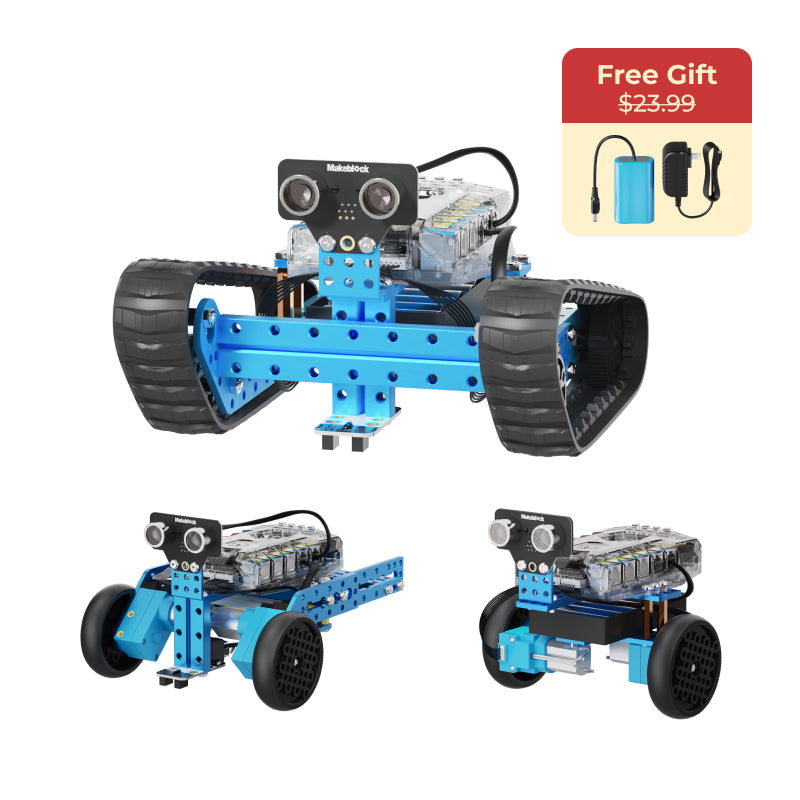
Makeblock mBot Ranger 3-in-1 Robot Kit
A mechanical step up for a child who wants to rebuild the robot itself.
Gift ages 12–16
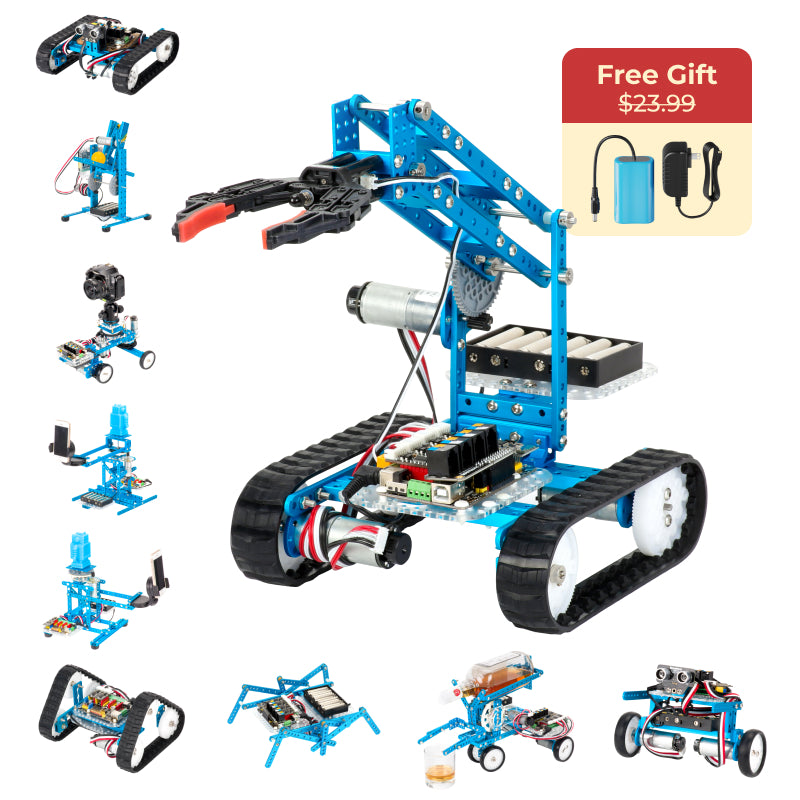
Makeblock mBot Ultimate 10-in-1 Robot Kit
A serious robotics project for an older child already interested in mechanisms and coding.

Gift ages 8–12
Sphero Mini Robot Ball — Blue
A tiny rolling robot for app-based coding challenges in a small space.

Gift ages 8–12
Sphero BOLT Coding Robot
Programmable robot ball with sensors and LED matrix.
Gift ages 8–12
ThinkFun Code Master
Maps with 60 levels, guide scrolls, avatar, portal, crystals and action/conditional tokens.
Gift ages 4–8
ThinkFun Robot Turtles
Board, turtle and jewel tiles, code-card decks and obstacles for a child-and-helper programming game.

Gift ages 10–12
ThinkFun Hacker Coding Logic Game
Game grid, control panel, challenge and solution booklets, agents and movement/security tokens.
Ready to check retailer prices?
- Botley Coding Robot Activity Set — 77 PiecesCheck price at Amazon for Botley Coding Robot Activity Set — 77 Pieces (opens in a new tab) ↗
- Makeblock mBot Robot KitCheck price at Amazon for Makeblock mBot Robot Kit (opens in a new tab) ↗
- Makeblock mBot2 Coding RobotCheck price at Amazon for Makeblock mBot2 Coding Robot (opens in a new tab) ↗
- Makeblock mBot Ranger 3-in-1 Robot KitCheck price at Amazon for Makeblock mBot Ranger 3-in-1 Robot Kit (opens in a new tab) ↗
- Makeblock mBot Ultimate 10-in-1 Robot KitCheck price at Amazon for Makeblock mBot Ultimate 10-in-1 Robot Kit (opens in a new tab) ↗
- Sphero Mini Robot Ball — BlueCheck price at Amazon for Sphero Mini Robot Ball — Blue (opens in a new tab) ↗
- Sphero BOLT Coding RobotCheck price at Amazon for Sphero BOLT Coding Robot (opens in a new tab) ↗
- ThinkFun Code MasterCheck price at Amazon for ThinkFun Code Master (opens in a new tab) ↗
- ThinkFun Robot TurtlesCheck price at Amazon for ThinkFun Robot Turtles (opens in a new tab) ↗
- ThinkFun Hacker Coding Logic GameCheck price at Amazon for ThinkFun Hacker Coding Logic Game (opens in a new tab) ↗
Amazon links can earn a commission. Other retailer links are direct; prices and stock are confirmed by the retailer.
Before you choose
Which format works without an adult during play?
Check each game's rules rather than assuming that physical or screen-free means independent. Robot Turtles, for example, uses a helper to carry out the children's instructions. A solo puzzle may still need someone to explain the task before the child can revisit it alone.
Is a moving robot always the next step after a coding board game?
No. It adds hardware, a playing surface, power and sometimes software to manage. Choose a robot when the child wants that kind of feedback and the household can support it. More physical motion does not establish a better learning result.
Checked sources